 Set Cheater
Lens cheat sheets for the camera department.
Select a lens series and the focal lengths in your package. T-stop and close focus are filled in from a database of more than 340 lens series. Print the sheet at a true 3 or 4 inch card width, or share it as a PDF or image.
One email when the iPhone app is available. No other mail.
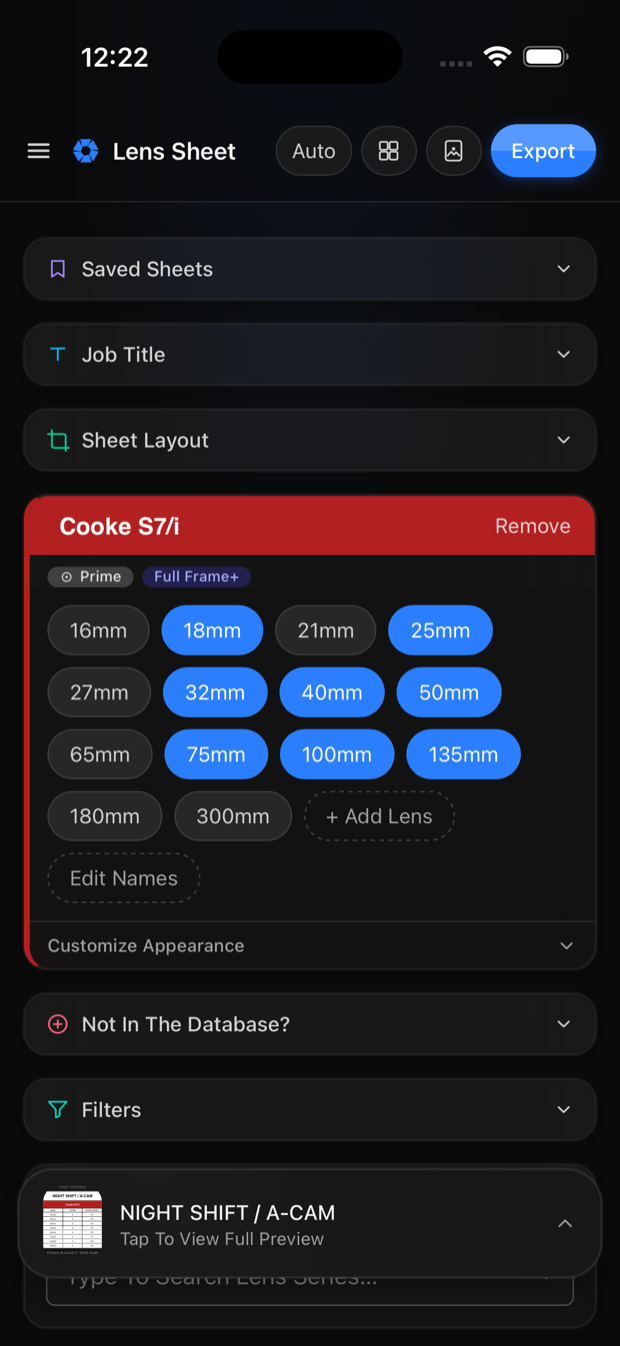
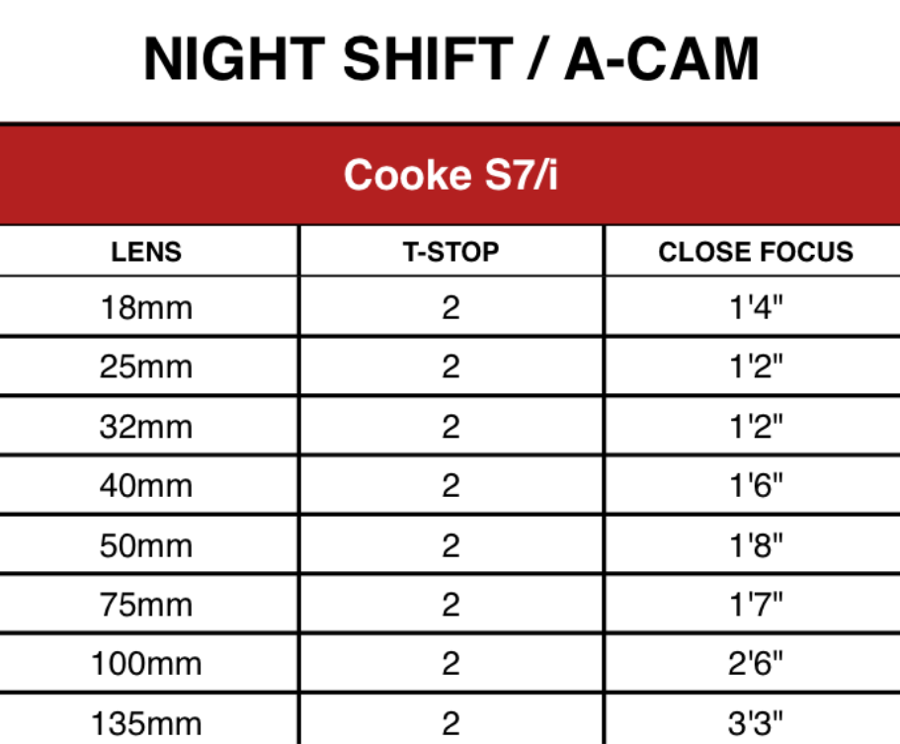
Three steps.
No spreadsheet and no manual entry of specs.
Select the series
Search by manufacturer or series name. Each result is labelled with its format: Super 35, Full Frame, Anamorphic or 65mm.
Select the focal lengths
Only the focal lengths you select appear on the sheet. T-stop and close focus are filled in from the database. A lens that is not listed can be entered by hand.
Export
A PDF at a true 3 or 4 inch width, or an image for Messages, Mail or AirDrop.
More than 340 lens series.
T-stop, close focus and front diameter for each focal length, compiled from rental house catalogues and manufacturer specification sheets. Primes, zooms and anamorphics.
- Each series is labelled with its format, so a Super 35 build is not confused with the Full Frame build
- Starred series appear at the top of the list
- Series and single lenses that are not in the database can be added and are saved on your device
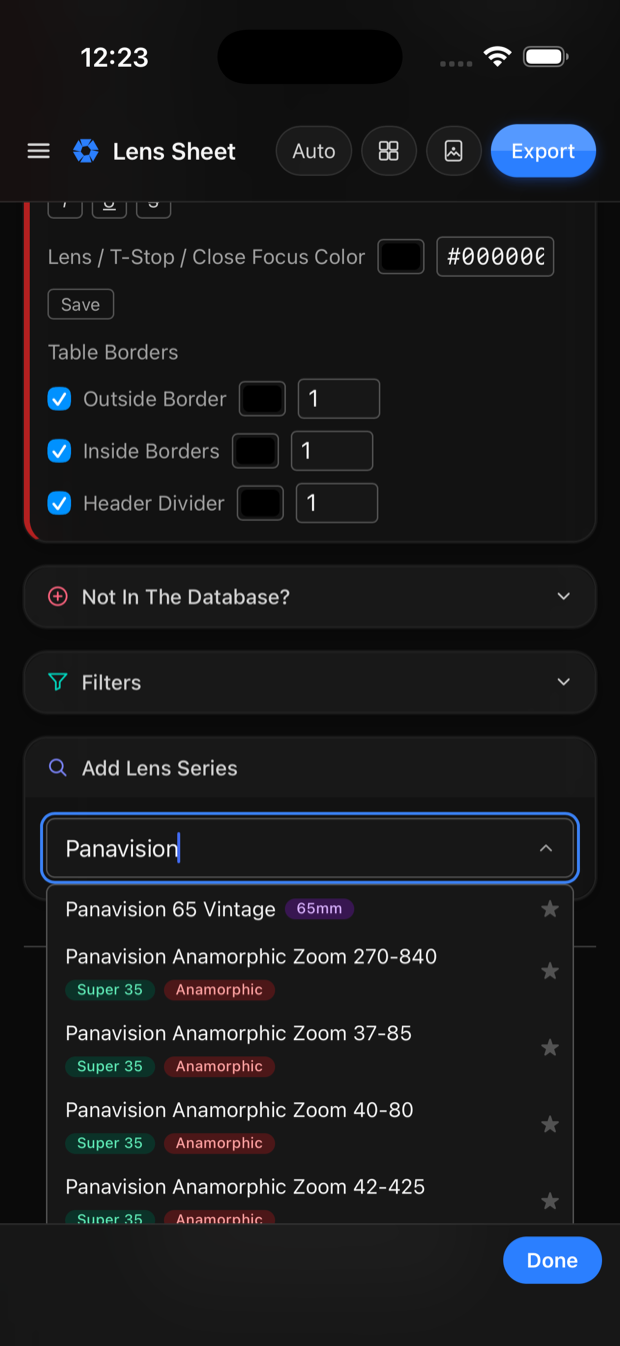
The sheet is styled to your department.
Header colour, row colour, typeface, borders and the job title are all set by you. A production logo can be placed in the title and positioned.
- Header, row and text colours, with your saved colours kept for reuse
- Any typeface from Google Fonts, with bold, italic and strikethrough
- Outside border, inside rules and header divider, each with its own weight
- A preview at card size that matches the printed result
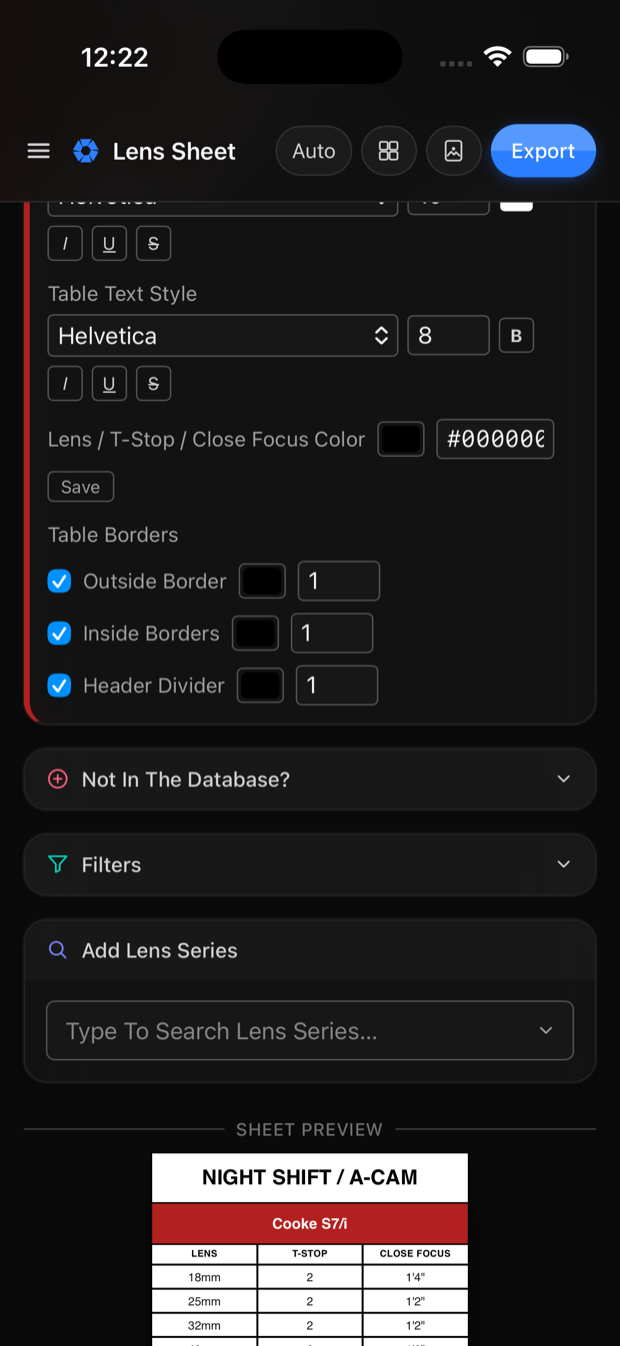
Built for use on set.
Large controls, collapsible sections and a preview that stays in view. Sheets are saved as you work and can be reopened later.
- Any number of saved sheets, opened by name
- Filter the series list by format
- Light and dark appearance, following the device or set manually
Cast sheets, built the same way.
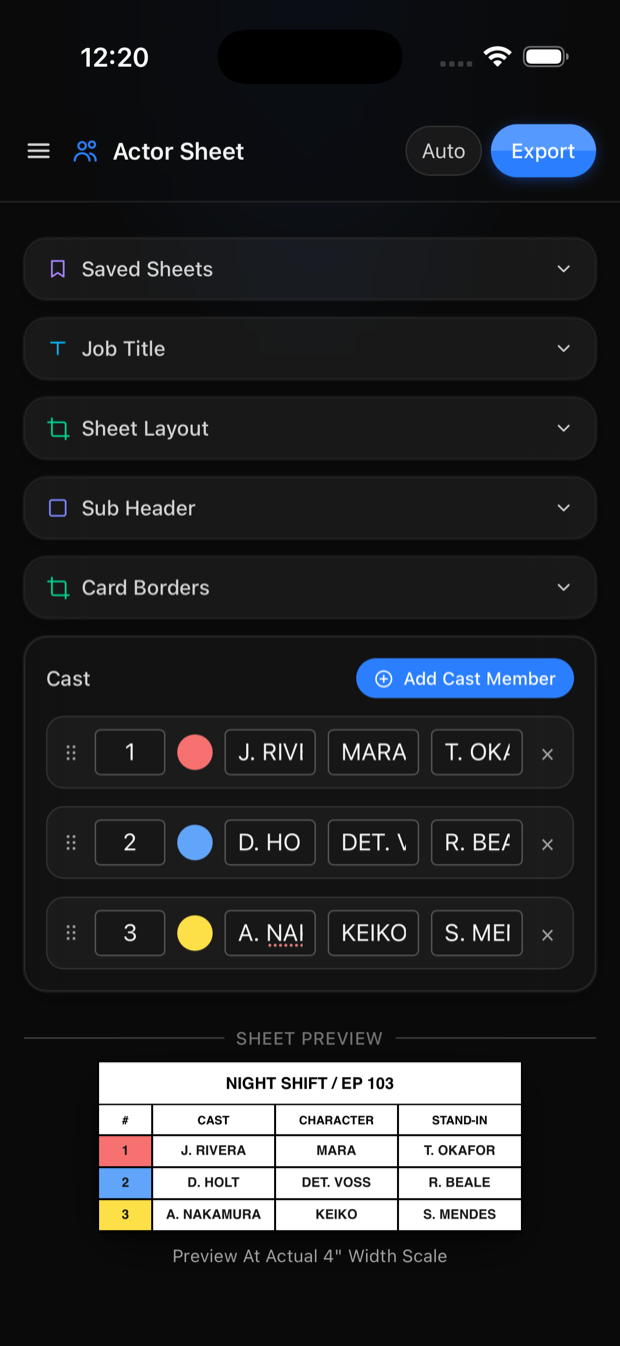
Number, colour, cast name, character and stand-in. Row colours can be matched to the call sheet.
- Rows can be reordered by dragging
- A colour per row
- Its own title, sub-header, borders and typeface, independent of the lens sheet
- Exported as PDF, image, or through the share sheet
PDF, image, or share sheet.
A true 3 or 4 inch card width with fonts embedded, so the print matches the layout.
Image
The sheet saved to Photos at screen size.
Share sheet
Messages, Mail, AirDrop or any other app that accepts a file.
Questions.
What does beta mean here?
The browser version is complete enough for use on a job. It is new, so there may be errors in individual lens entries. Report them to admin@setcheater.com and they will be corrected.
What does it cost?
The browser version is free and includes six lens series, full styling, and PDF export with a small setcheater.com line on the card. $10 a year includes the full database, cast sheets, custom lens entries, and exports without the line. Cancel at any time. See Terms & Pricing.
Where do the specifications come from?
Rental house catalogs and manufacturer specification sheets: T-stop, close focus and front diameter for each focal length. Always confirm against the lens itself. Values on your own sheet can be edited.
My series is not listed. What then?
Add it yourself. There is a form for a whole series and a shorter one for a single lens. Both are saved on your device. If other people are likely to want the series, send it in and it can be added to the shared database.
Do I need an account?
Sign in with an email address and password, or with Apple or Google. That is how the app knows what you have paid for. It is not a profile. On iPhone and Mac your sheets, colors and custom lenses sync between your own devices through your own iCloud account, which we cannot read. In a browser they stay in the browser. The one copy we hold is a sheet you choose to share, uploaded so the other person can open it and deleted when you revoke it or once its thirty days are up. See Privacy.
Does it work without signal?
Yes. The lens database is inside the app and everything you build is stored on the device. A connection is needed only to sign in the first time on a new device.
What paper should I print on?
Around 32 lb (120 gsm) at a high brightness. Heavier stock takes the ink without bleeding, keeps the header colours saturated, and lasts a day folded in a pocket.
Will it print at the right size?
Yes. The PDF is laid out at the real 3 or 4 inch width with the fonts embedded, so it prints at the size designed, ready to trim and laminate.
When will the apps be released?
The iPhone app is in testing. The Mac app is in development. Leave an email address to be notified when the iPhone app is in the App Store.
Build a sheet.
Six lens series are free with no account. The full database is $10 a year. Report problems to admin@setcheater.com.